

Meer over het boek
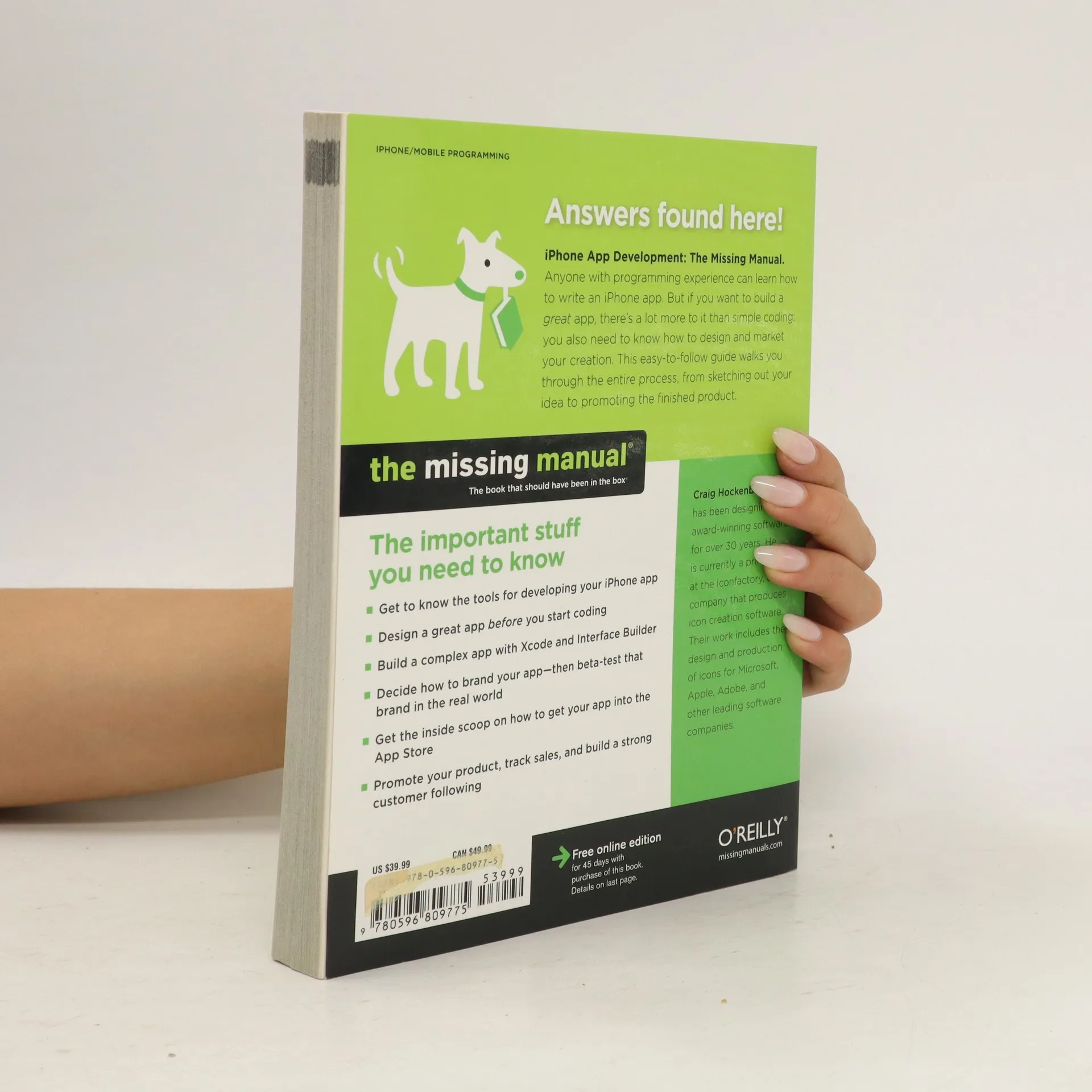
Anyone with programming experience can learn how to write an iPhone app. But if you want to build a great app, there's a lot more to it than simple you also need to know how design and market your creation. This easy-to-follow guide walks you through the entire process, from sketching out your idea to promoting the finished product. Update Your App for Multitasking with iOS 4By Craig HockenberryOn multitasking phones like the iPhone 3GS and iPhone 4, you can make it so your application doesn’t quit when the user presses the Home button. Instead, the app just goes into the background and reappears just as it was with a tap on its icon. You can give your app multitasking powers without writing a single line of code! First, download and install the free iOS 4 SDK from Apple’s iPhone Dev Center. You need both Xcode 3.2.3 and iPhone SDK 4 to create an app for iOS 4. (By the way, you may see the SDK described as either “iOS SDK” and “iPhone SDK.” They mean the same thing.) Now you’re just a few steps away from a multitasking 1. Open your iPhone app project in the new version of Xcode, and then choose Project > Edit Project Settings to update your project settings.2. In the General tab, change the Base SDK for All Configurations from “iPhone Device 3.0 (missing)” to “iPhone Device 4.0.”3. In the Build tab, set the Configuration to “Release” and enter a search for “target.” You should now see the
Een boek kopen
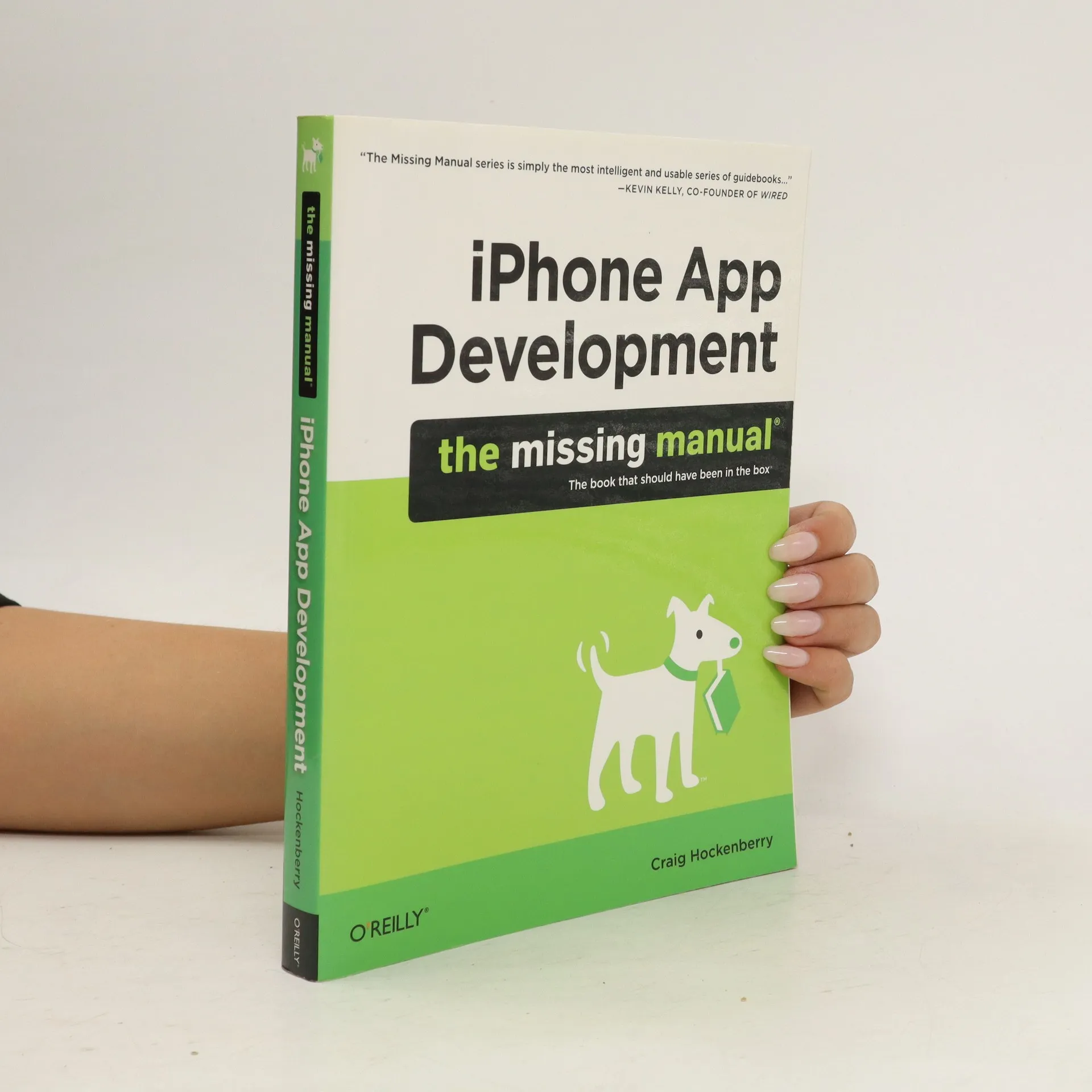
iPhone App Development. The Missing Manual, Craig Hockenberry
- Taal

- Jaar van publicatie
- 2010
- Bindwijze
- (Paperback)
Betaalmethoden
We missen je recensie hier.
- Titel
- iPhone App Development. The Missing Manual
- Taal
- Engels
- Auteurs
- Craig Hockenberry
- Uitgever
- O'Reilly & Associates
- Jaar van publicatie
- 2010
- Formaat
- Paperback
- Aantal pagina's
- 324
- ISBN10
- 0596809778
- ISBN13
- 9780596809775
- Reeks
- Tags
- Beoordeling
- 3,85 van 5
- Aantekening
- Anyone with programming experience can learn how to write an iPhone app. But if you want to build a great app, there's a lot more to it than simple you also need to know how design and market your creation. This easy-to-follow guide walks you through the entire process, from sketching out your idea to promoting the finished product. Update Your App for Multitasking with iOS 4By Craig HockenberryOn multitasking phones like the iPhone 3GS and iPhone 4, you can make it so your application doesn’t quit when the user presses the Home button. Instead, the app just goes into the background and reappears just as it was with a tap on its icon. You can give your app multitasking powers without writing a single line of code! First, download and install the free iOS 4 SDK from Apple’s iPhone Dev Center. You need both Xcode 3.2.3 and iPhone SDK 4 to create an app for iOS 4. (By the way, you may see the SDK described as either “iOS SDK” and “iPhone SDK.” They mean the same thing.) Now you’re just a few steps away from a multitasking 1. Open your iPhone app project in the new version of Xcode, and then choose Project > Edit Project Settings to update your project settings.2. In the General tab, change the Base SDK for All Configurations from “iPhone Device 3.0 (missing)” to “iPhone Device 4.0.”3. In the Build tab, set the Configuration to “Release” and enter a search for “target.” You should now see the