

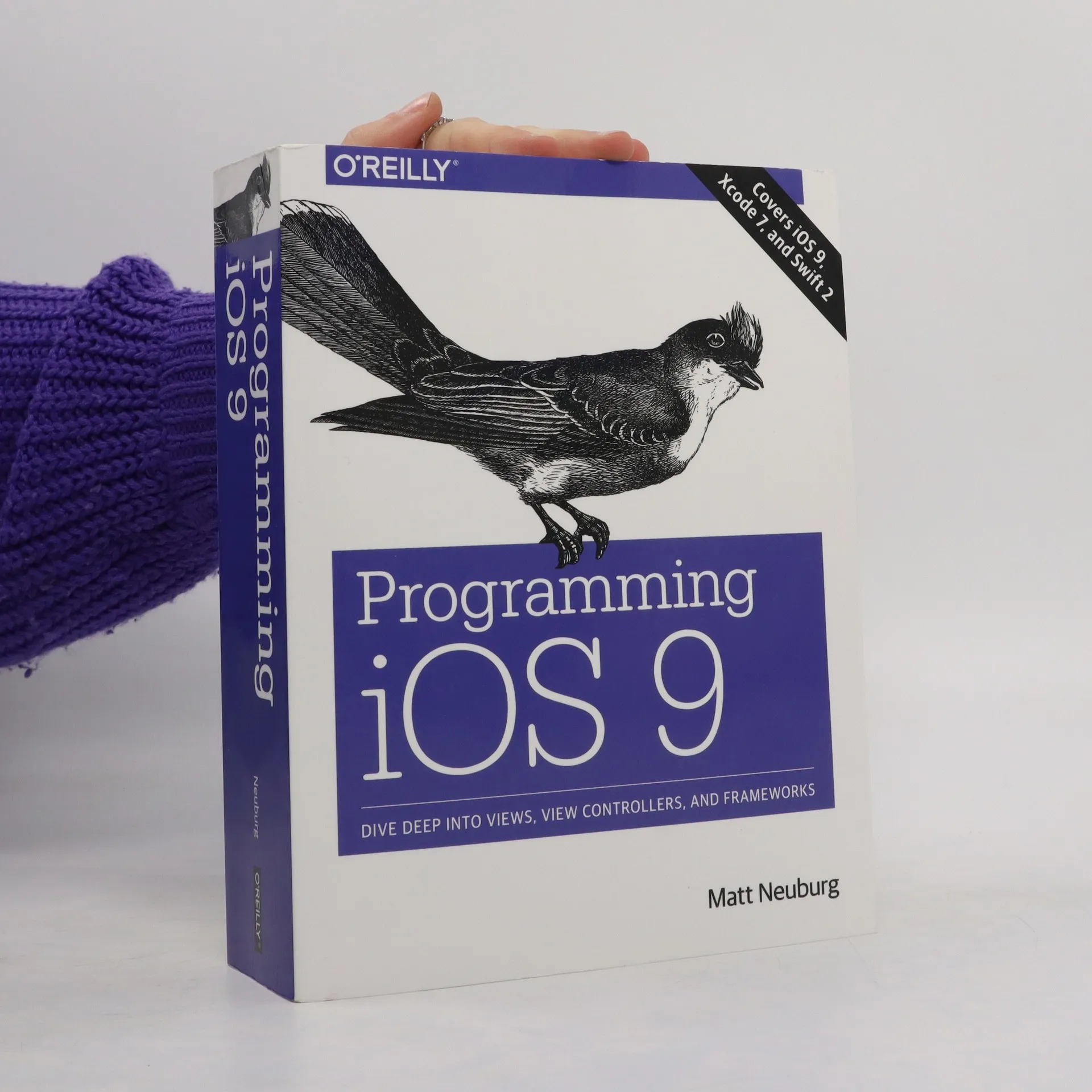
Programming iOS 9
Auteurs
Meer over het boek
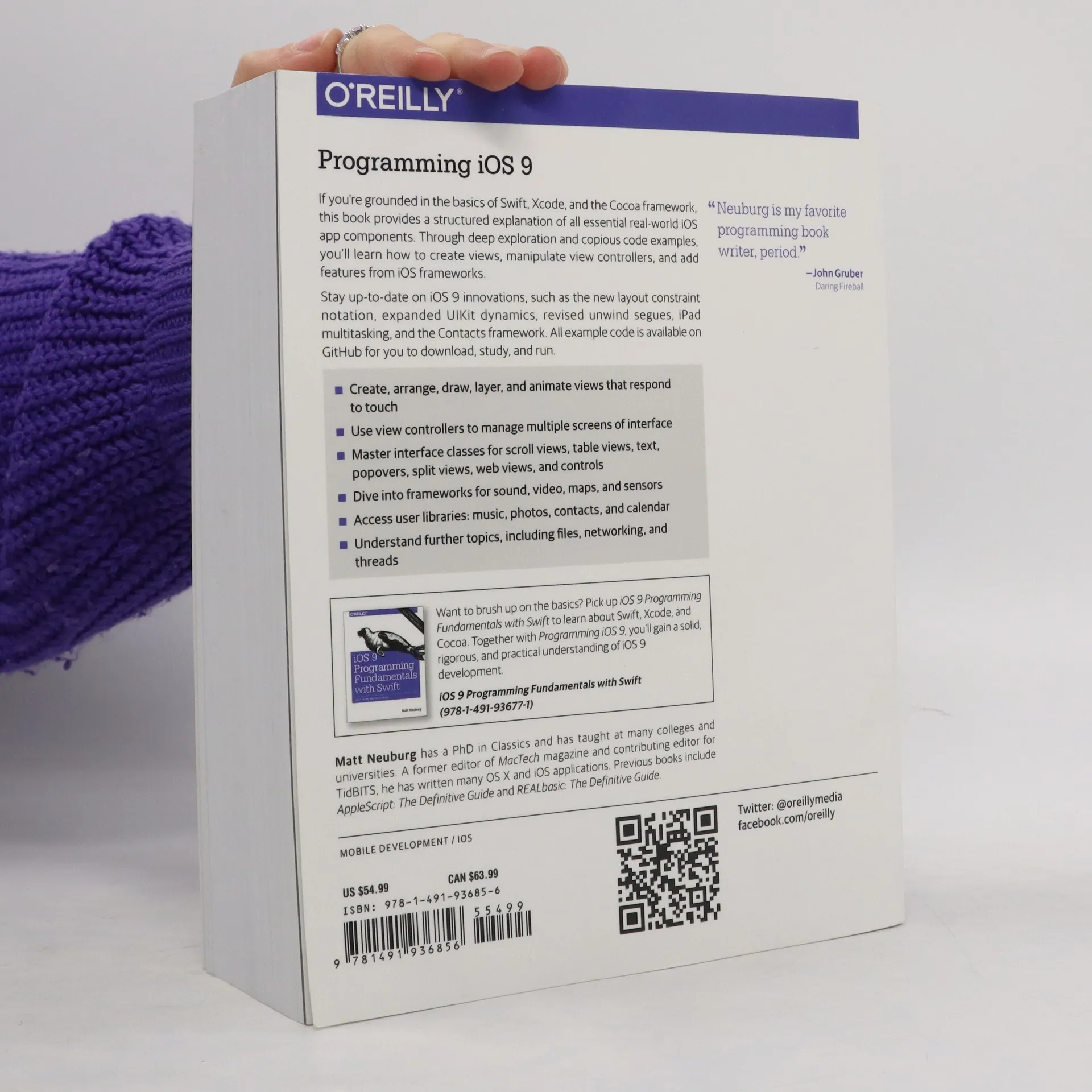
Start building apps for iOS 9 with Apple’s Swift programming language. If you’re grounded in the basics of Xcode and the Cocoa framework, this book provides a structured explanation of all essential real-world iOS app components. Through deep exploration and copious code examples, you’ll learn how to create views, manipulate view controllers, and use iOS frameworks for adding features such as audio and video, access to user calendars and photos, and tracking the device’s location. Create, arrange, draw, layer, and animate views that respond to touch Use view controllers to manage multiple screens in a way that’s understandable to users Explore UIKit interface objects, such as scroll views, table views, popovers, web views, and maps Work with Cocoa frameworks for sensors, location, sound, and video Access user libraries: music, photos, address book, and calendar Examine additional topics including data storage, file sharing, networking, and threading
Een boek kopen
Programming iOS 9, Matt Neuburg
- Taal

- Jaar van publicatie
- 2016
- Bindwijze
- (Paperback)
Betaalmethoden
Nog niemand heeft beoordeeld.
- Titel
- Programming iOS 9
- Taal
- Engels
- Auteurs
- Matt Neuburg
- Uitgever
- O'Reilly
- Jaar van publicatie
- 2016
- Formaat
- Paperback
- Aantal pagina's
- 1017
- ISBN10
- 1491936851
- ISBN13
- 9781491936856
- Reeks
- Categorieën
- Tags
- Technologie
- Aantekening
- Start building apps for iOS 9 with Apple’s Swift programming language. If you’re grounded in the basics of Xcode and the Cocoa framework, this book provides a structured explanation of all essential real-world iOS app components. Through deep exploration and copious code examples, you’ll learn how to create views, manipulate view controllers, and use iOS frameworks for adding features such as audio and video, access to user calendars and photos, and tracking the device’s location. Create, arrange, draw, layer, and animate views that respond to touch Use view controllers to manage multiple screens in a way that’s understandable to users Explore UIKit interface objects, such as scroll views, table views, popovers, web views, and maps Work with Cocoa frameworks for sensors, location, sound, and video Access user libraries: music, photos, address book, and calendar Examine additional topics including data storage, file sharing, networking, and threading