

Parameters
- 2112bladzijden
- 74 uur lezen
Meer over het boek
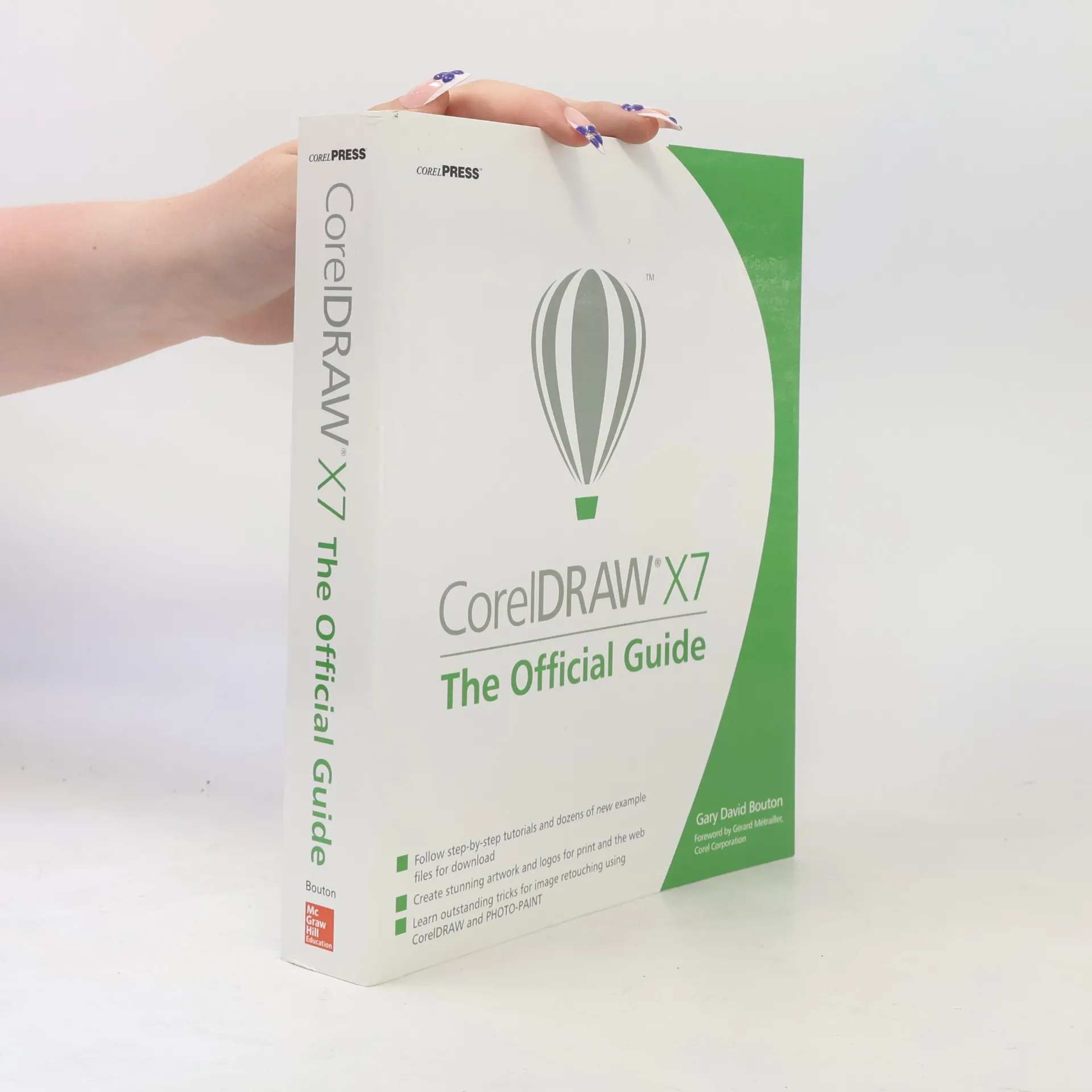
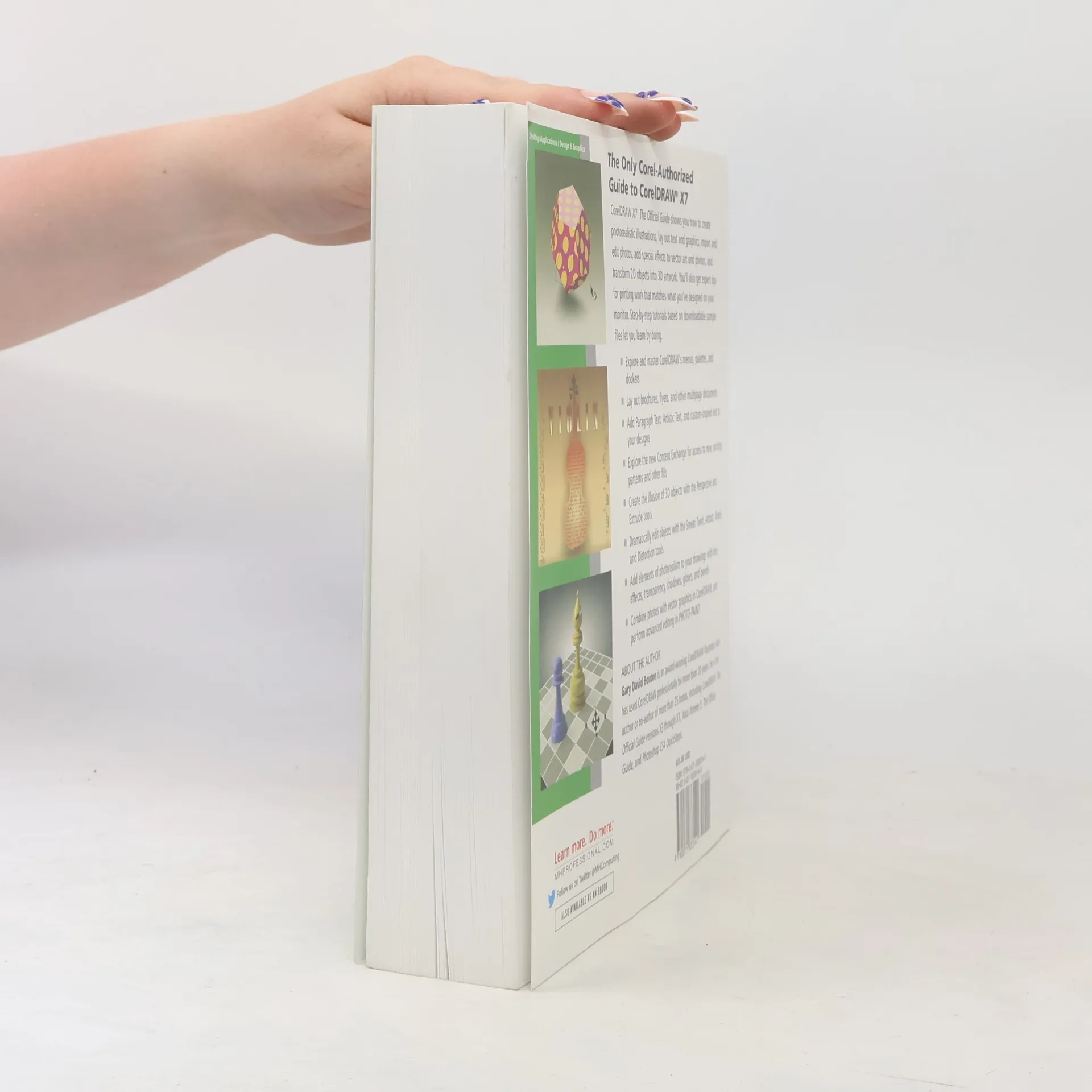
Publisher's Note: Products purchased from Third Party sellers are not guaranteed by the publisher for quality, authenticity, or access to any online entitlements included with the product. The Only Corel-Authorized Guide to CorelDRAW X7 CorelDRAW X7: The Official Guide shows you how to create photorealistic illustrations, lay out text and graphics, import and edit photos, add special effects to vector art and photos, and transform 2D objects into 3D artwork. You'll also get expert tips for printing work that matches what you've designed on your monitor. Step-by-step tutorials based on downloadable sample files let you learn by doing. Explore and master CorelDRAW's menus, palettes, and dockers Add Paragraph Text, Artistic Text, and custom-shaped text to your designs Explore the new Content Exchange for access to new, exciting patterns and other fills Create the illusion of 3D objects with the Perspective and Extrude tools Dramatically edit objects with the Smear, Twirl, Attract, Repel, and Distortion tools Add elements of photorealism to your drawings with lens effects, transparency, shadows, glows, and bevels Combine photos with vector graphics in CorelDRAW, and perform advanced editing in PHOTO-PAINT
Een boek kopen
CorelDRAW X7, Gary David Bouton, Gerard Métrailler
- Taal

- Jaar van publicatie
- 2014
- Bindwijze
- (Paperback)
Betaalmethoden
Nog niemand heeft beoordeeld.
- Titel
- CorelDRAW X7
- Ondertitel
- The Official Guide
- Taal
- Engels
- Auteurs
- Gary David Bouton, Gerard Métrailler
- Uitgever
- McGraw-Hill Education
- Jaar van publicatie
- 2014
- Formaat
- Paperback
- Aantal pagina's
- 2112
- ISBN10
- 0071833145
- ISBN13
- 9780071833141
- Reeks
- Aantekening
- Publisher's Note: Products purchased from Third Party sellers are not guaranteed by the publisher for quality, authenticity, or access to any online entitlements included with the product. The Only Corel-Authorized Guide to CorelDRAW X7 CorelDRAW X7: The Official Guide shows you how to create photorealistic illustrations, lay out text and graphics, import and edit photos, add special effects to vector art and photos, and transform 2D objects into 3D artwork. You'll also get expert tips for printing work that matches what you've designed on your monitor. Step-by-step tutorials based on downloadable sample files let you learn by doing. Explore and master CorelDRAW's menus, palettes, and dockers Add Paragraph Text, Artistic Text, and custom-shaped text to your designs Explore the new Content Exchange for access to new, exciting patterns and other fills Create the illusion of 3D objects with the Perspective and Extrude tools Dramatically edit objects with the Smear, Twirl, Attract, Repel, and Distortion tools Add elements of photorealism to your drawings with lens effects, transparency, shadows, glows, and bevels Combine photos with vector graphics in CorelDRAW, and perform advanced editing in PHOTO-PAINT