


Parameters
- 376bladzijden
- 14 uur lezen
Meer over het boek
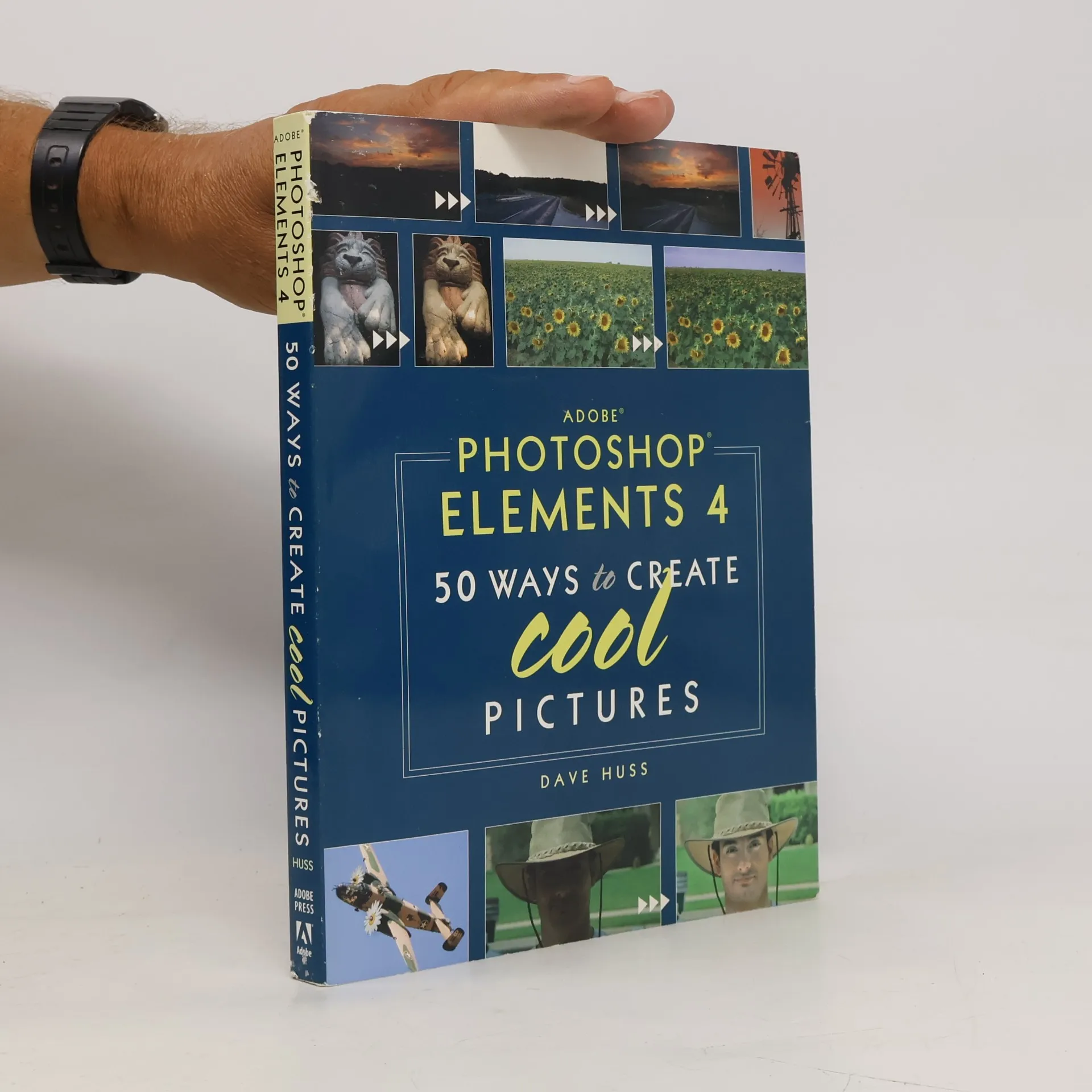
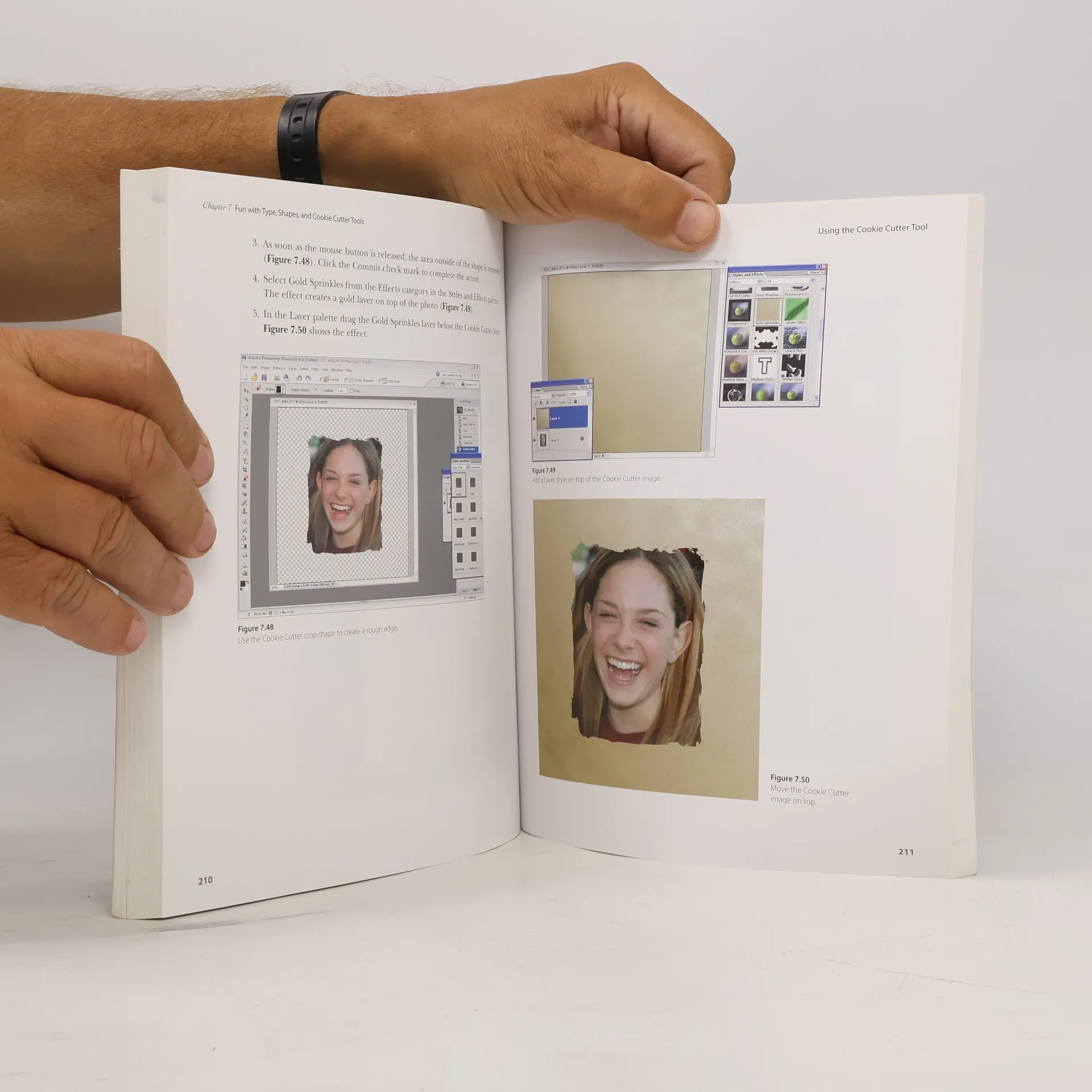
When showcasing your digital photographs, achieving a professional look is essential. This guide to Photoshop Elements 4 provides techniques for enhancing and retouching your images, helping you avoid common pitfalls like poor lighting or wardrobe mishaps. With downloadable sample files, you can practice effects and techniques across various aspects of digital photography, including restoring old photos, correcting lighting and color issues, creating polished slide shows with music and pan-and-zoom effects, and crafting stunning photo panoramas. The revised edition highlights new tools in Photoshop Elements, such as the Adjust Skin Tone command, Magic Selection tool, and Magic Extractor, along with enhanced Organizer and Slide Show features. In just hours, award-winning photographer Dave Huss will help you elevate your photography skills. This book is designed exclusively for Windows users. With 40 years of experience, Huss has taught digital photography and photo editing across the U.S. and Europe. His work has been recognized with numerous awards, including the Grand Prize at the Corel International Design Contest. As a contributing editor for Photoshop User magazine, he has also made appearances on CNN and TechTV.
Een boek kopen
Adobe Photoshop Elements 4, Dave Huss
- Taal

- Jaar van publicatie
- 2005
- Bindwijze
- (Paperback),
- Staat van het boek
- Goed
- Prijs
- € 19,49
Betaalmethoden
Nog niemand heeft beoordeeld.
- Titel
- Adobe Photoshop Elements 4
- Ondertitel
- 50 Ways to Create Cool Pictures
- Taal
- Engels
- Auteurs
- Dave Huss
- Uitgever
- Adobe Press
- Jaar van publicatie
- 2005
- Formaat
- Paperback
- Aantal pagina's
- 376
- ISBN10
- 032137570X
- ISBN13
- 9780321375704
- Reeks
- Categorieën
- Aantekening
- When showcasing your digital photographs, achieving a professional look is essential. This guide to Photoshop Elements 4 provides techniques for enhancing and retouching your images, helping you avoid common pitfalls like poor lighting or wardrobe mishaps. With downloadable sample files, you can practice effects and techniques across various aspects of digital photography, including restoring old photos, correcting lighting and color issues, creating polished slide shows with music and pan-and-zoom effects, and crafting stunning photo panoramas. The revised edition highlights new tools in Photoshop Elements, such as the Adjust Skin Tone command, Magic Selection tool, and Magic Extractor, along with enhanced Organizer and Slide Show features. In just hours, award-winning photographer Dave Huss will help you elevate your photography skills. This book is designed exclusively for Windows users. With 40 years of experience, Huss has taught digital photography and photo editing across the U.S. and Europe. His work has been recognized with numerous awards, including the Grand Prize at the Corel International Design Contest. As a contributing editor for Photoshop User magazine, he has also made appearances on CNN and TechTV.