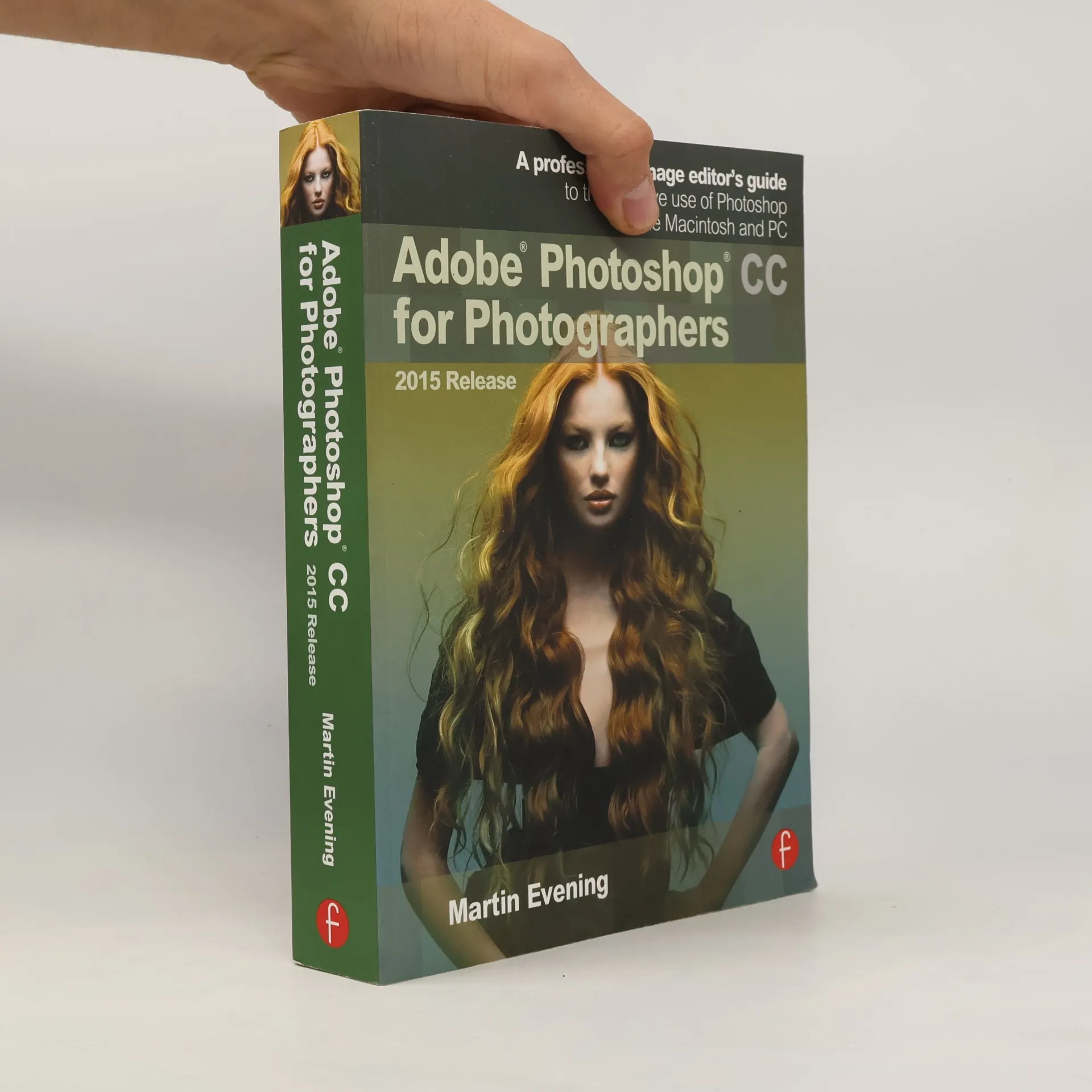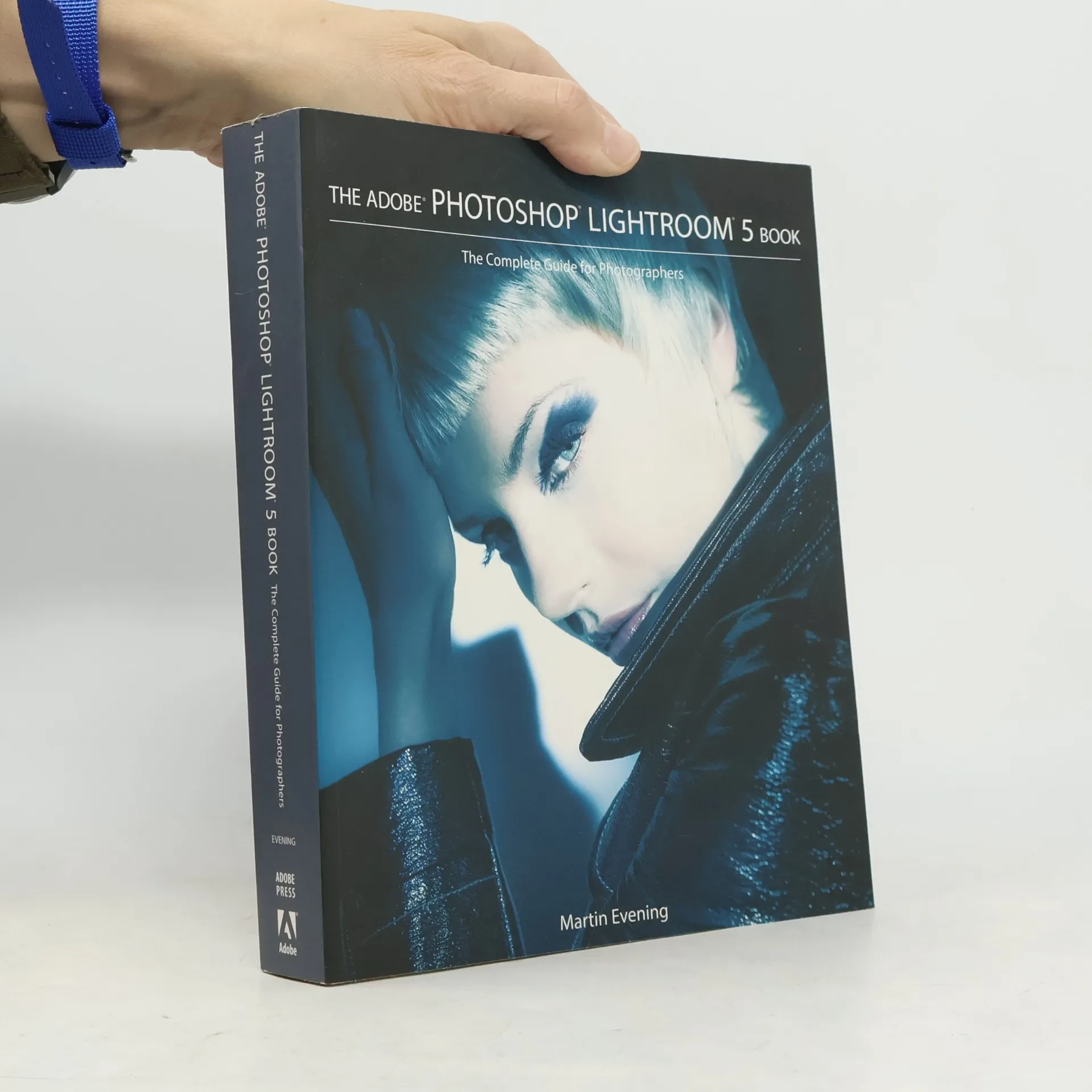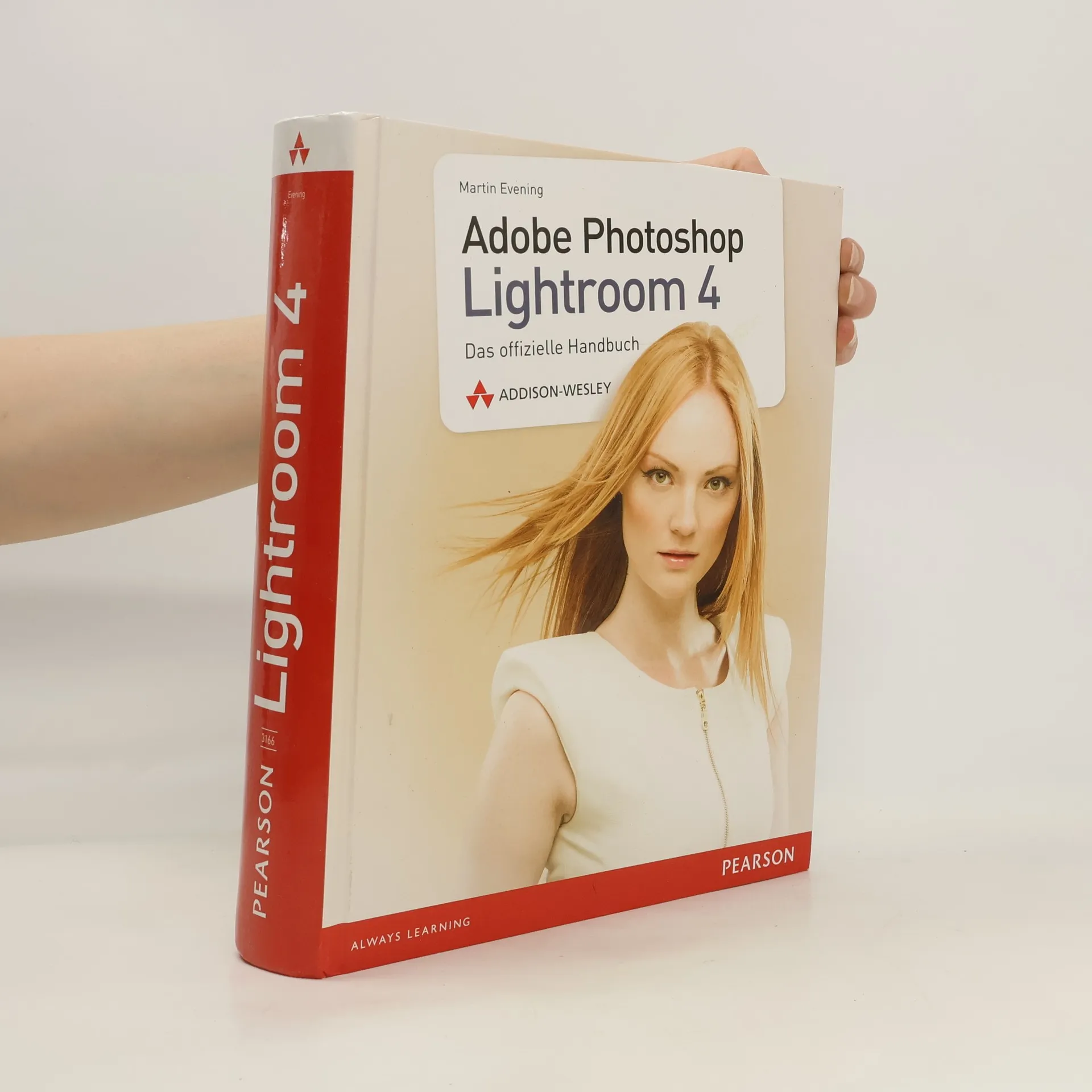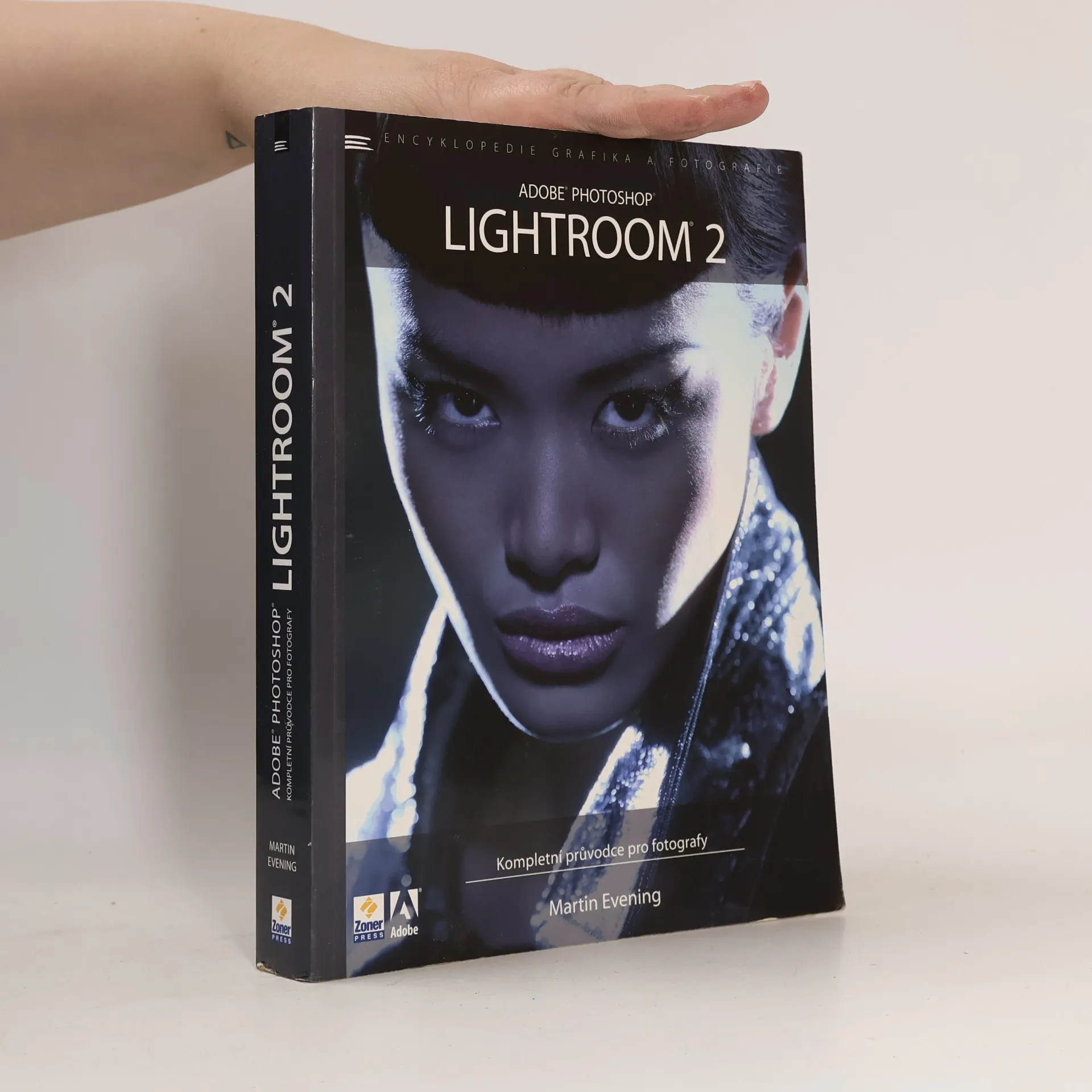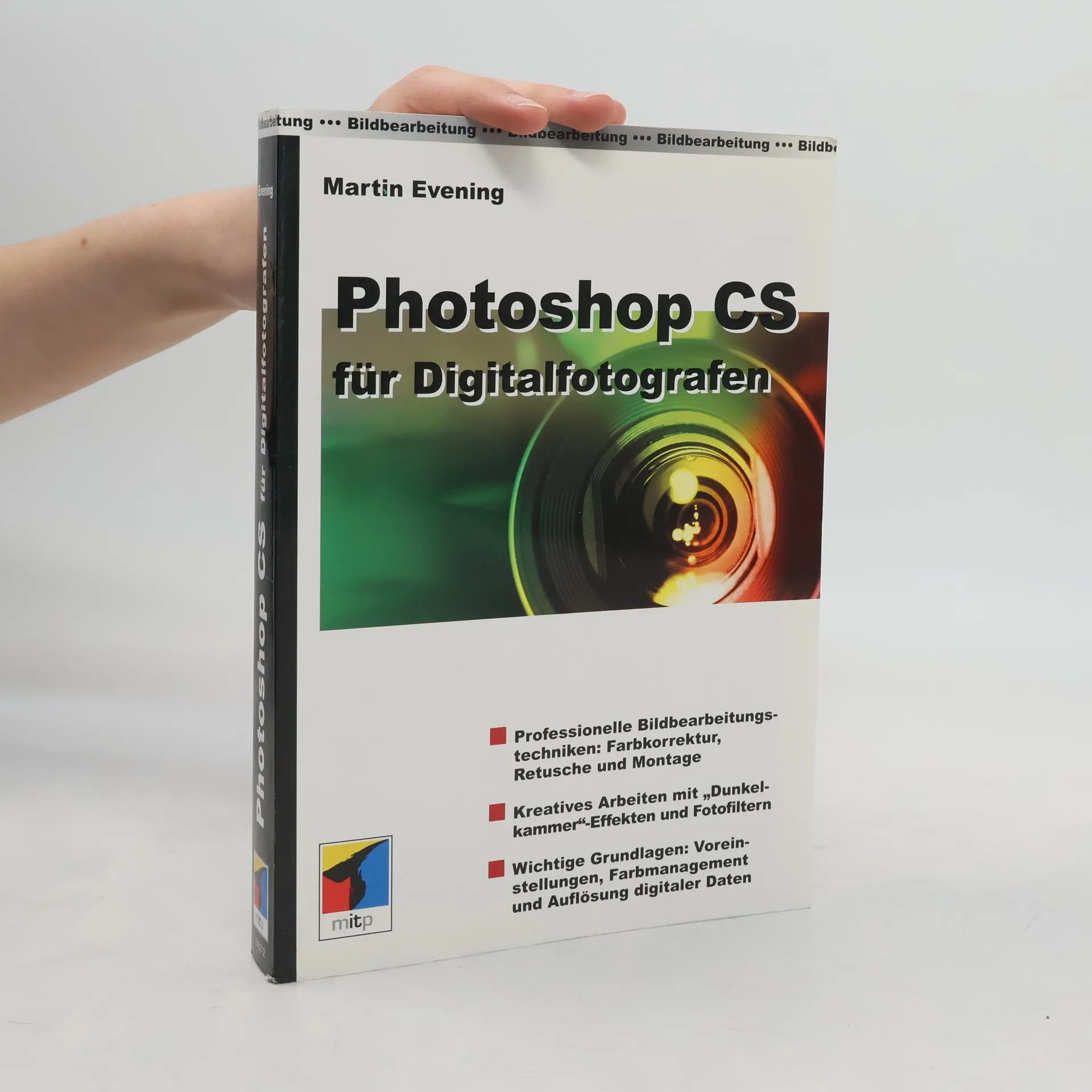
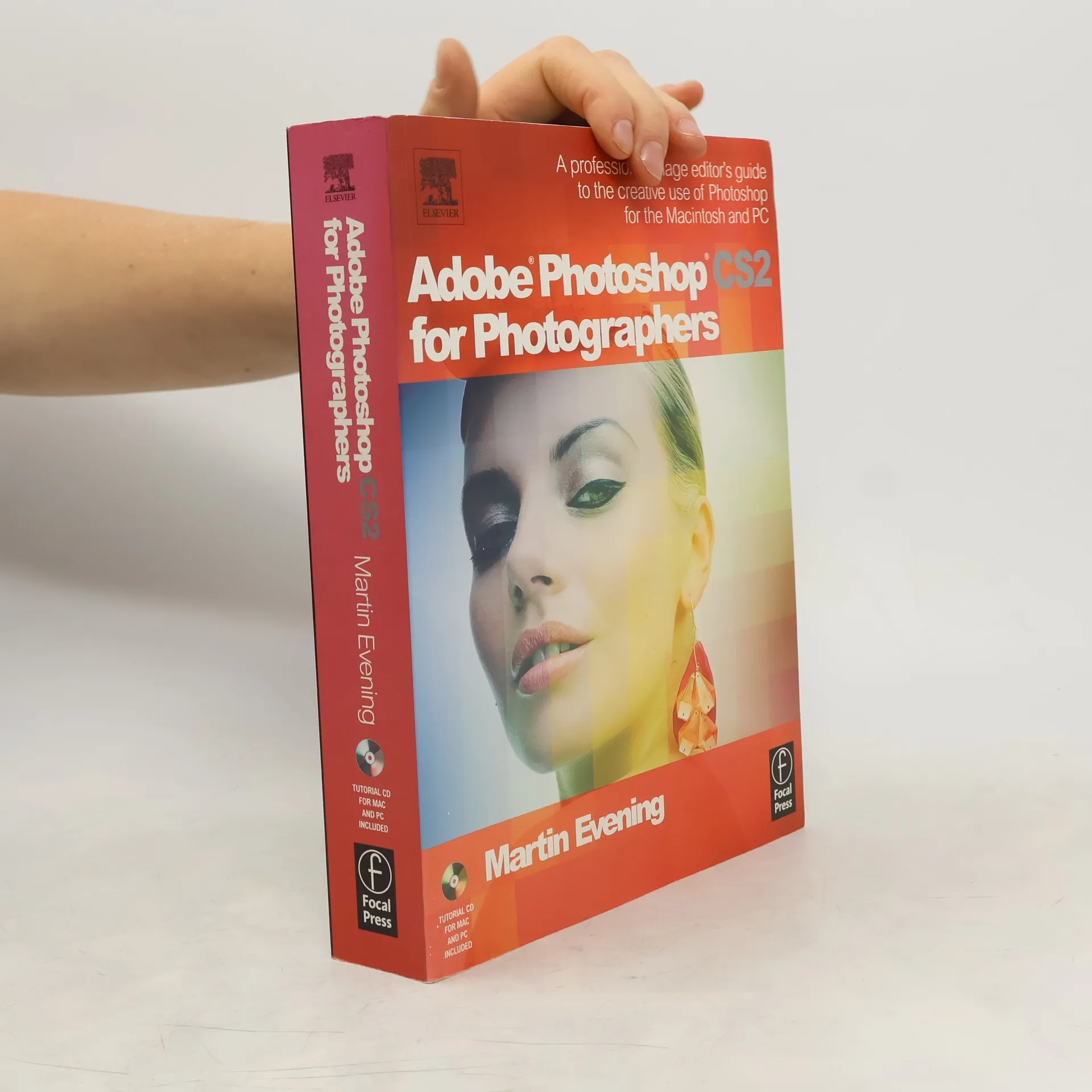
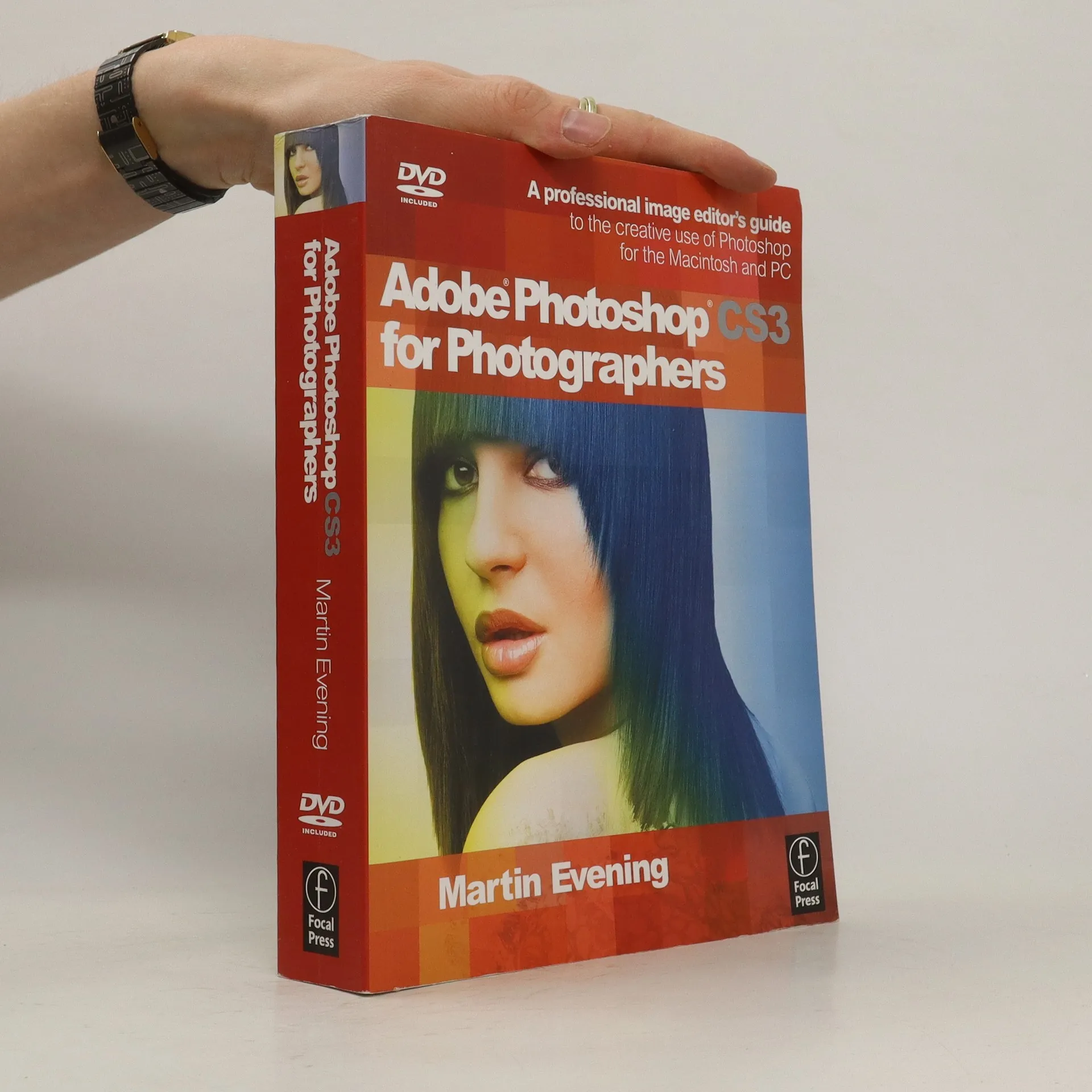
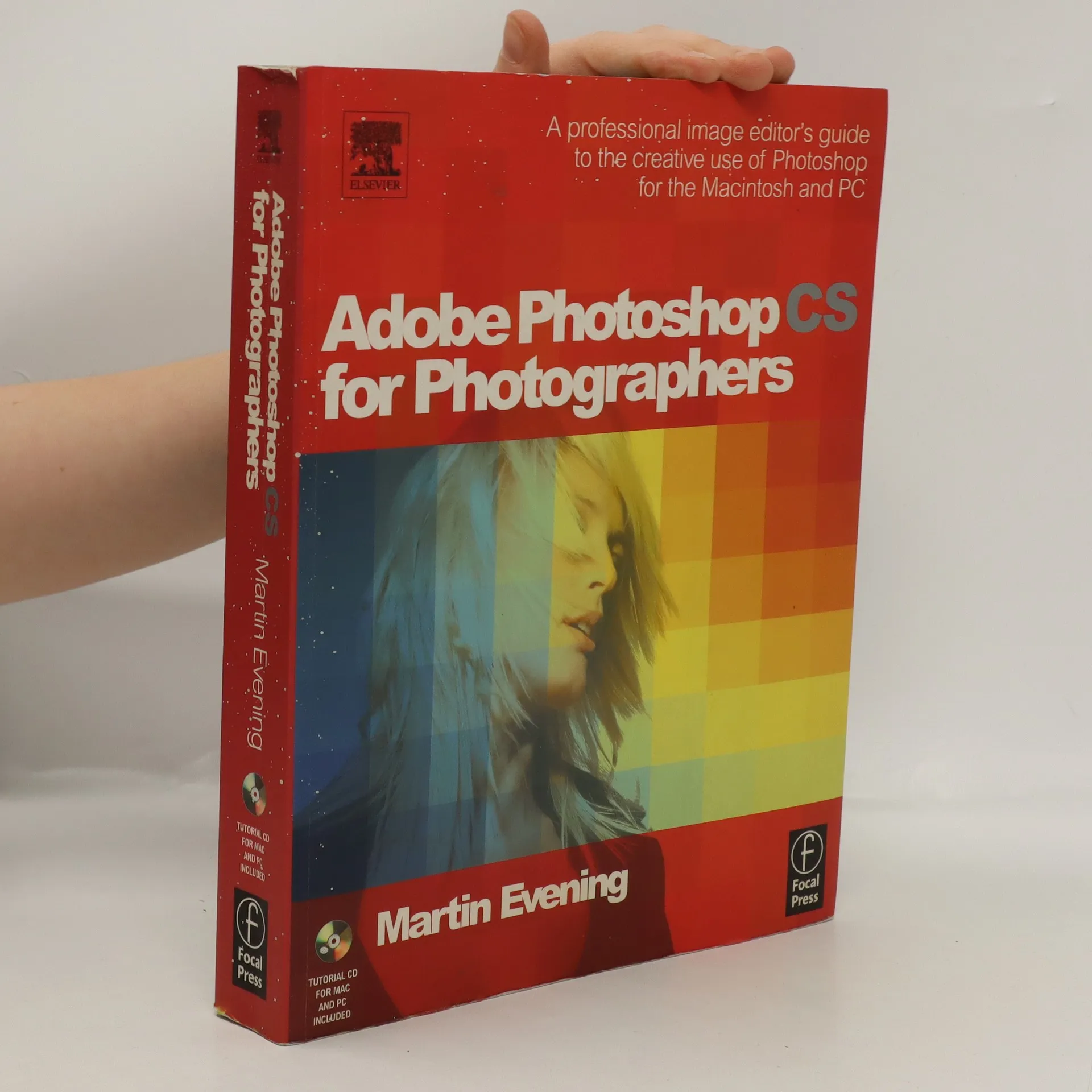
The latest edition to join Martin Evening's bestselling 'Adobe Photoshop for Photographers' titles gives you completely updated and revised coverage providing a professional photographer's insight into Photoshop CS.The main update is the latest coverage of all that's new in digital capture; also the numerous new tutorials and updated, top quality color images throughout make this edition a must have purchase. This edition also benefits from a new internal design that, along with a re-ordering of the contents, makes navigation even easier. Still packed with practical advice and even more hints and tips, this book will take your Photoshop up to a professional standard, guided by the 'Daddy' of Photoshop himself, Martin Evening.
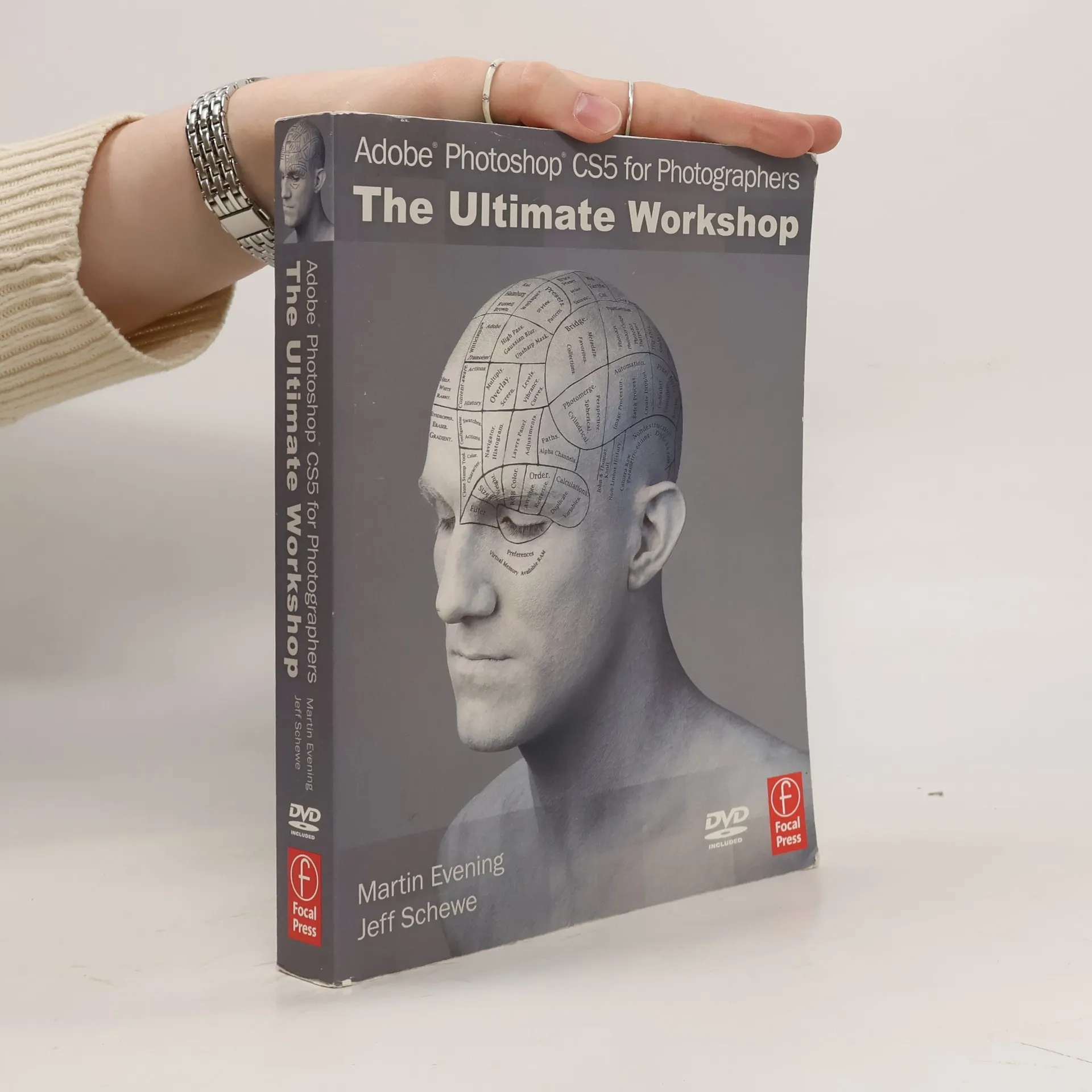
Real-life examples guide readers through a professional Photoshop workflow, showcasing techniques and best practices from experts Martin Evening and Jeff Schewe. The book emphasizes practical applications, making it a valuable resource for both beginners and seasoned users seeking to enhance their skills in digital imaging.
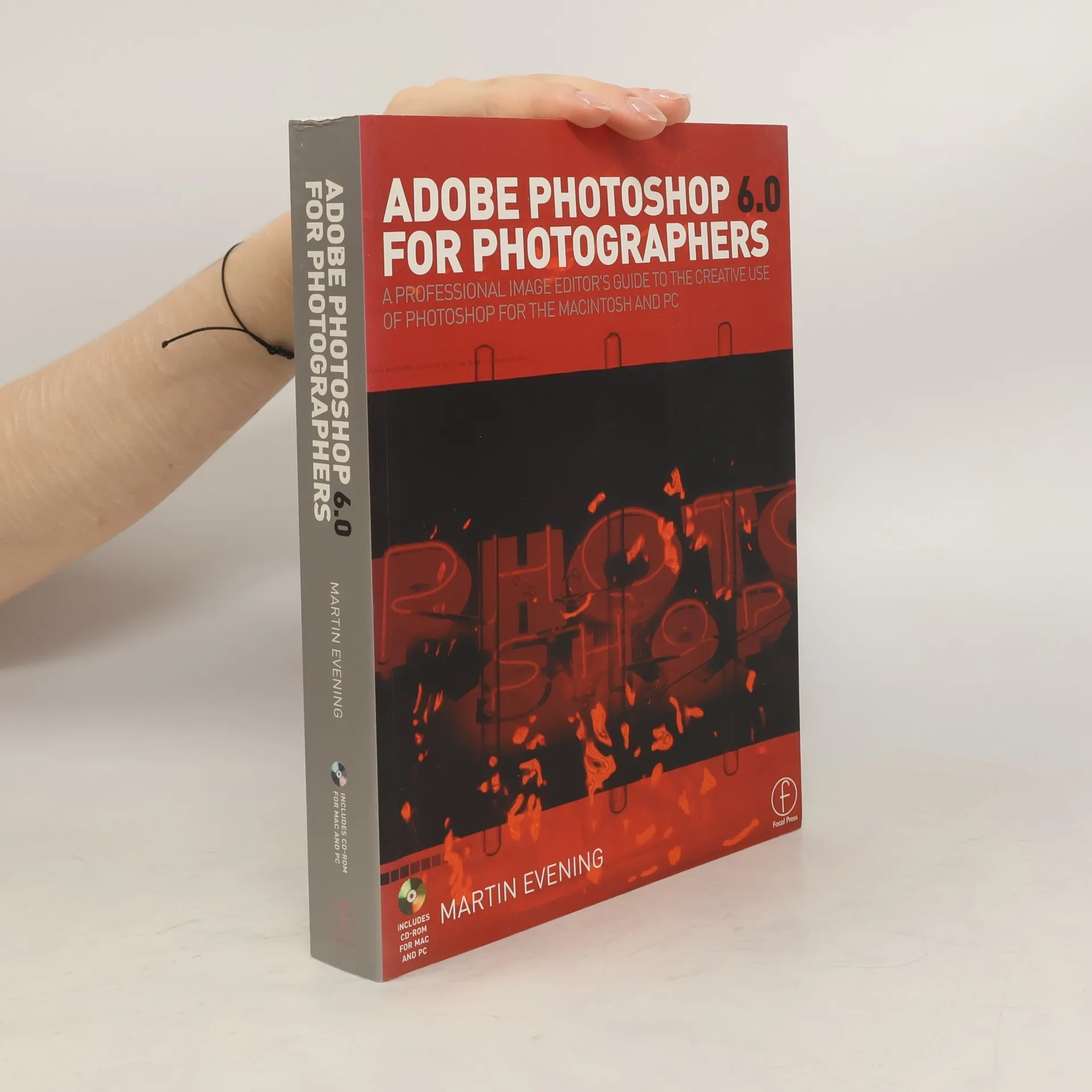
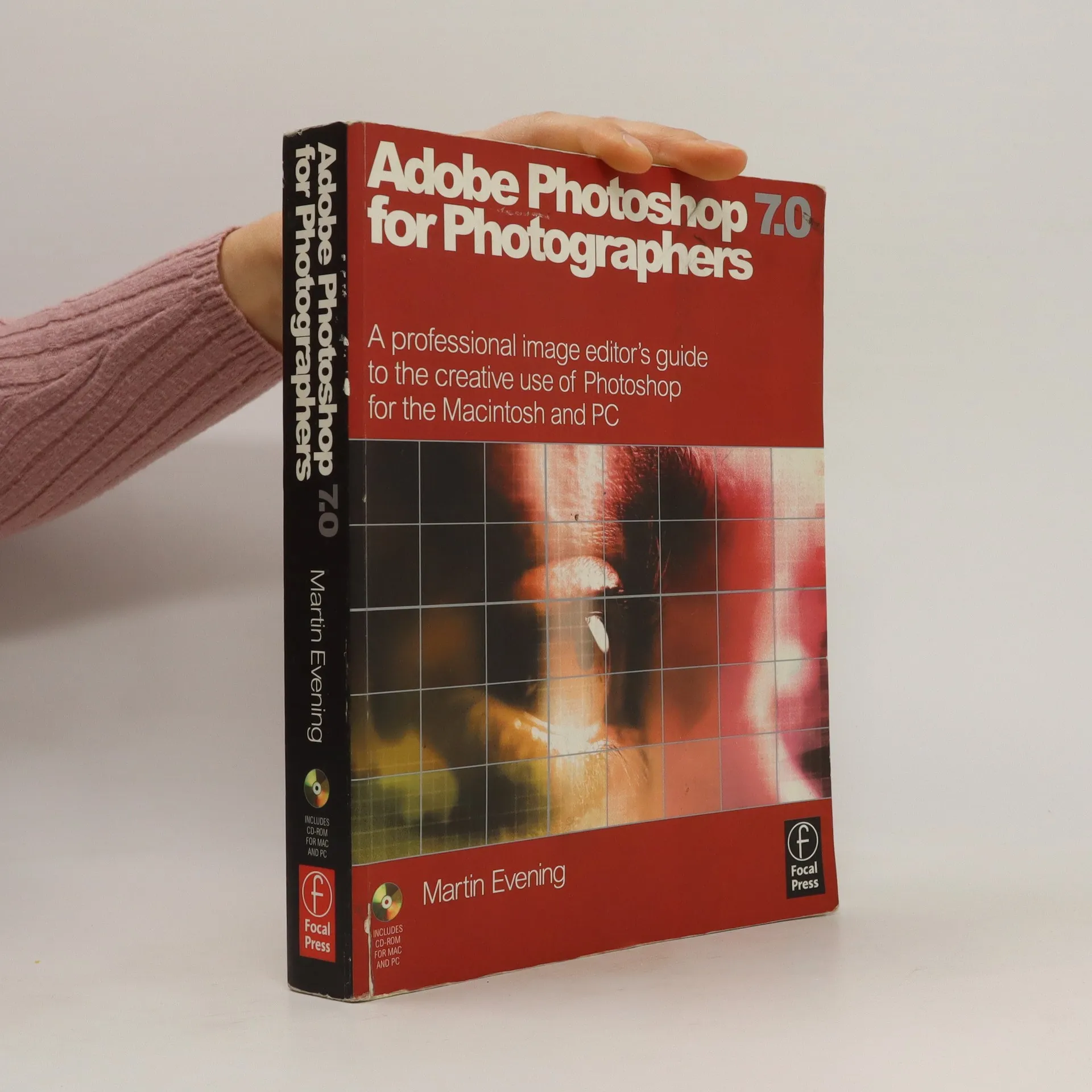
Beginning with an introduction to working with digital images on Adobe Photoshop 7.0, this guide contains a wealth of practical advice, with tips to help you achieve professional-looking results covering everything from scanning devices to colour management and output issues.
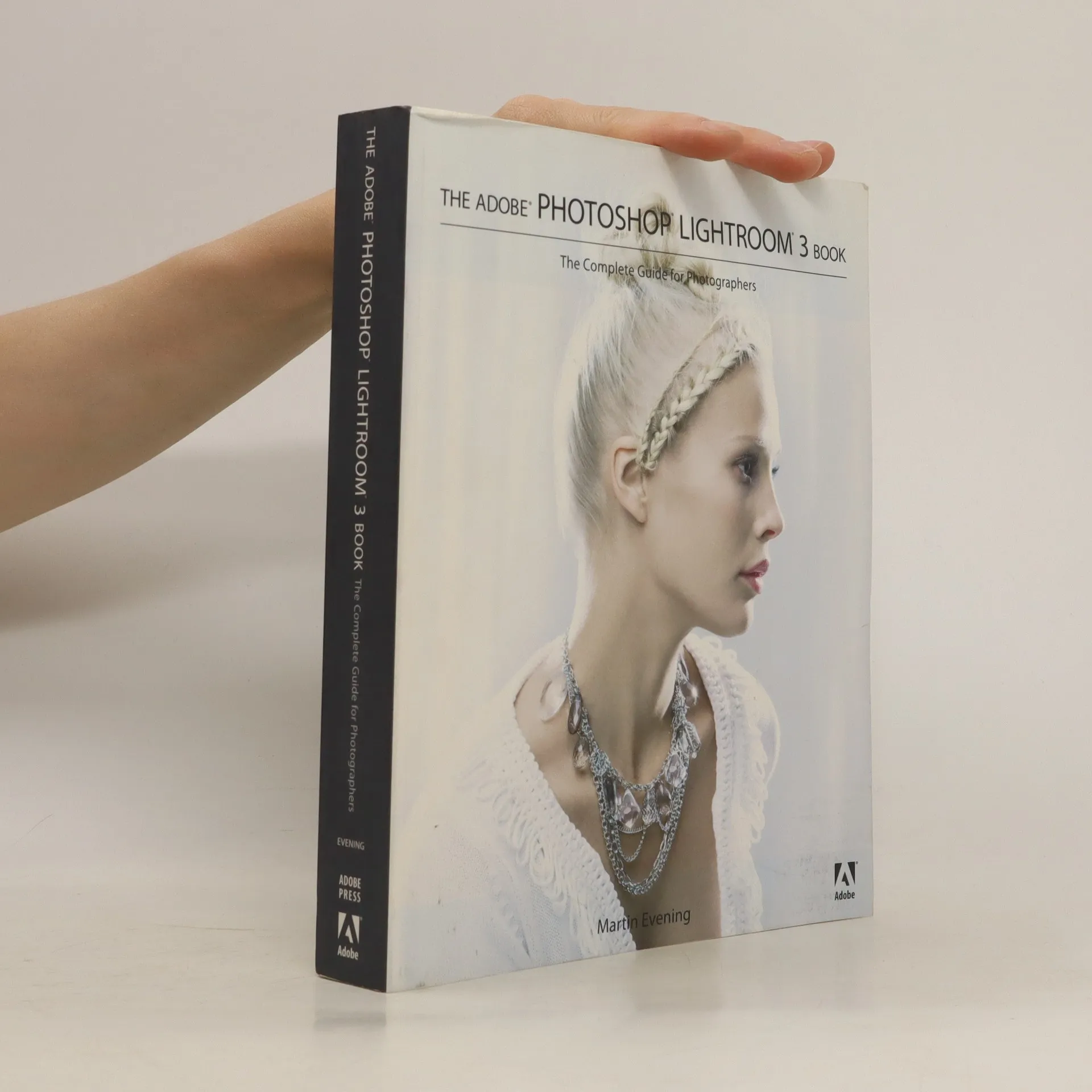
Martin Evening describes features in Lightroom 3 in detail from a photographer's perspective. In this book you'll learn how to work efficiently with images shot in the raw or JPEG format, import photographs with ease and sort them according to your workflow, create and manage a personal image library, apply tonal adjustments to multiple images quickly, integrate Lightroom with Adobe Photoshop, and much more!
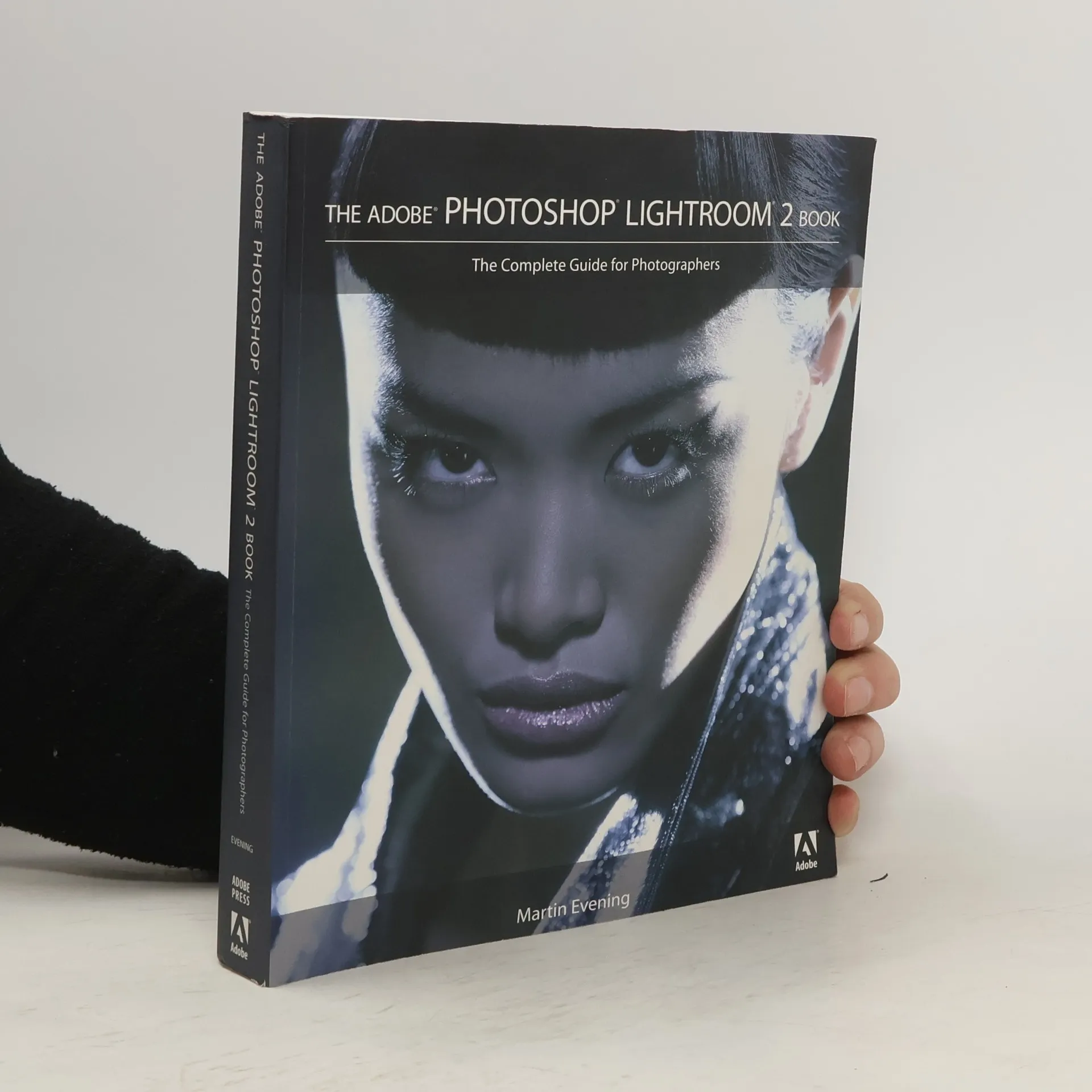
Looks at the features of Photoshop Lightroom 2, covering such topics as importing photos, using the Library module, working with catalogs, image editing, sharpening and noise reduction, exporting from Lightroom, and printing.
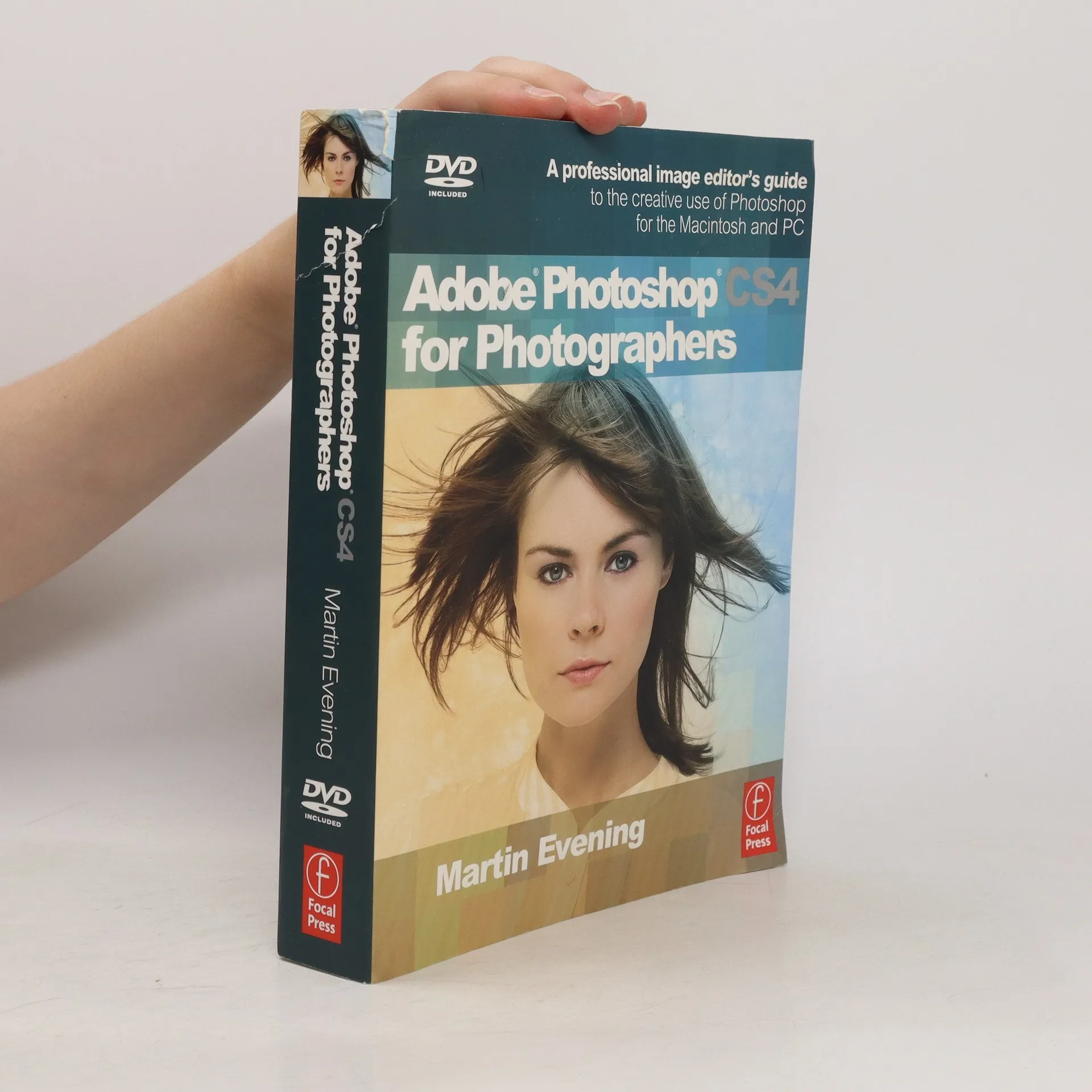
Martin Evening's Adobe Photoshop for Photographers titles have become classic reference sources for photographers at all skill levels. Whether you are an accomplished user or just starting out, the Adobe Photoshop CS4 for Photographers book contains a wealth of practical advice, hints and tips to help you achieve professional-looking results. Adobe Photoshop CS4 for Photographers begins with an overview of the Photoshop interface and the fundamentals of how to use Photoshop, followed by how to configure and optimize your computer's performance to run the program and then it dives straight into the essentials of Camera Raw image editing. The Sharpening chapter shows how to use the Camera Raw controls to obtain optimum capture sharpening and noise reduction and the Essentials chapter outlines how to work with all the basic image adjustment tools that are in the program, some of which have been there since the very beginning. Practical workshops show you how to master the essential techniques, such as color correction, retouching techniques, toning a black and white image, creating composite images and so on. Each technique is described in step-by-step detail, showing exactly which command to use, whether you are working with a Mac or PC computer. The accompanying DVD contains a Photoshop for Photographers Help Guide. This is supplied in a web browser format that you can either run from the DVD or copy to your computer hard disk for off-line viewing. The Help Guide contains a complete guide to all the tools and panels in Photoshop as well as other items in the program. It is like having an off-line manual with which to learn more about what each Photoshop tool and palette does. The guide also provides 120 minutes of movie tutorials on Photoshop CS4. If you are just beginning to work with digital images or are looking for new ideas, the best techniques and ways to improve the quality of your work, this
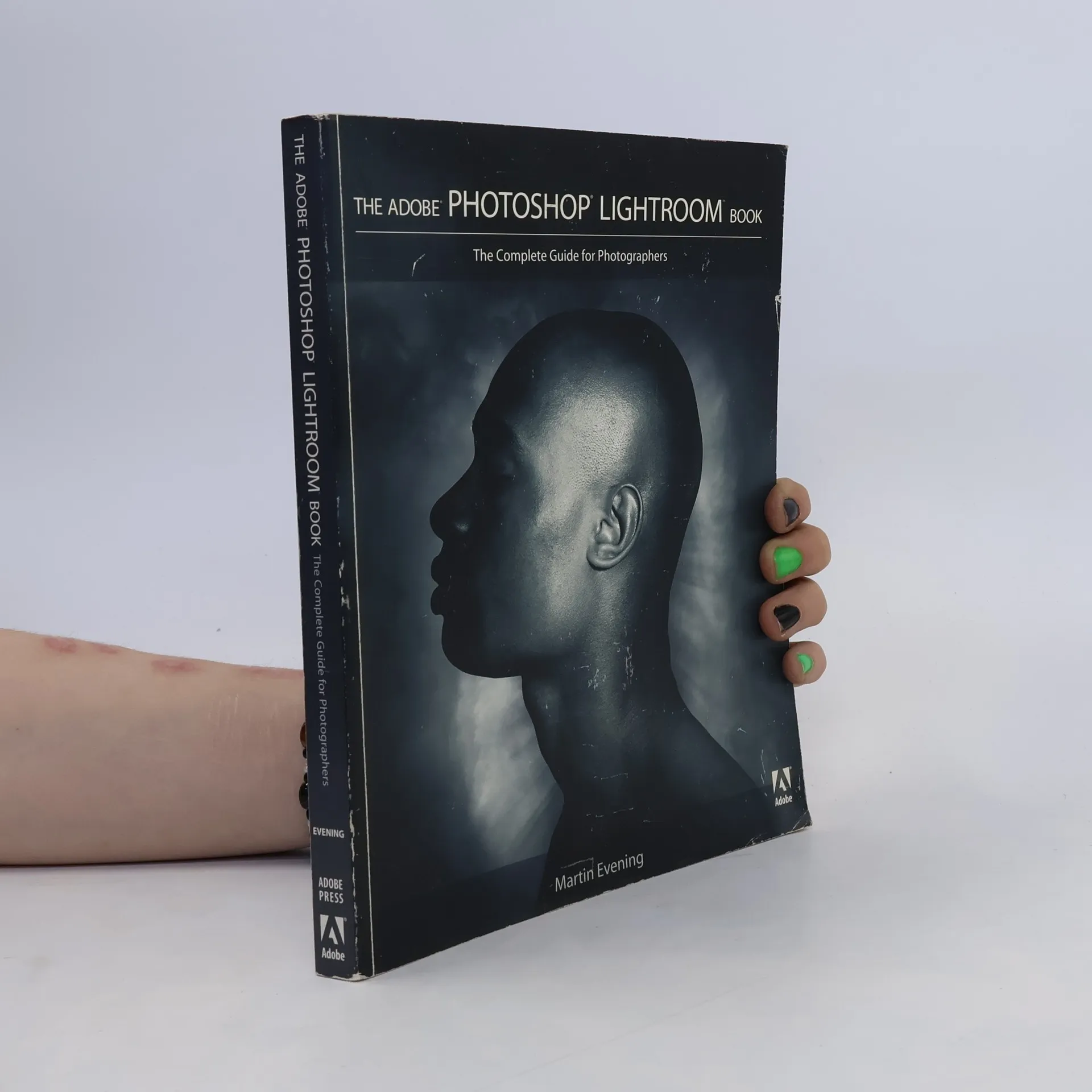
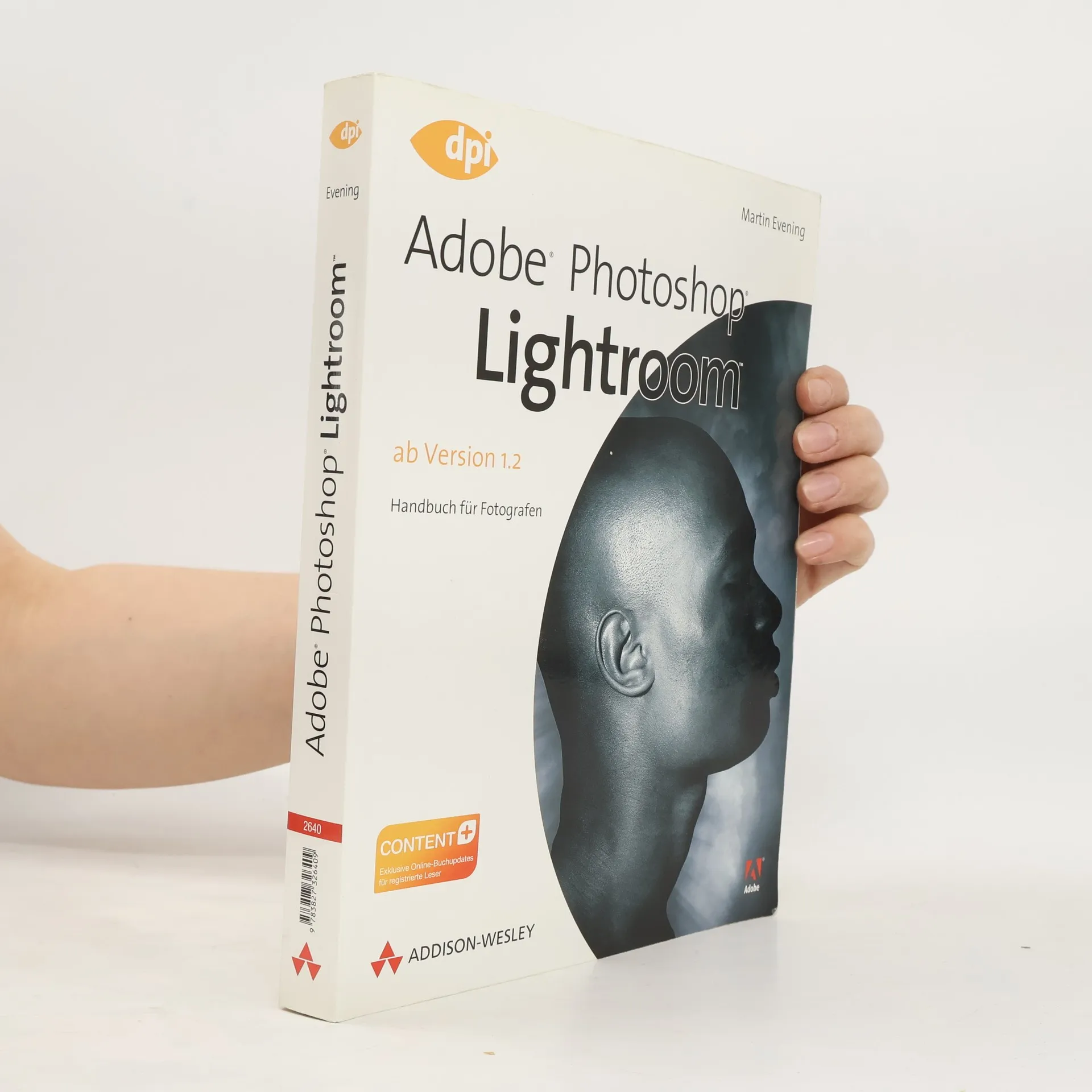
While Adobe Photoshop has long been their choice for editing digital photographs, many photographers want a more focused tool. That's where Adobe Photoshop Lightroom comes in. Designed from the ground up with digital photographers in mind, Photoshop Lightroom offers powerful editing features in a streamlined interface that lets photographers import, sort, and organize images.